
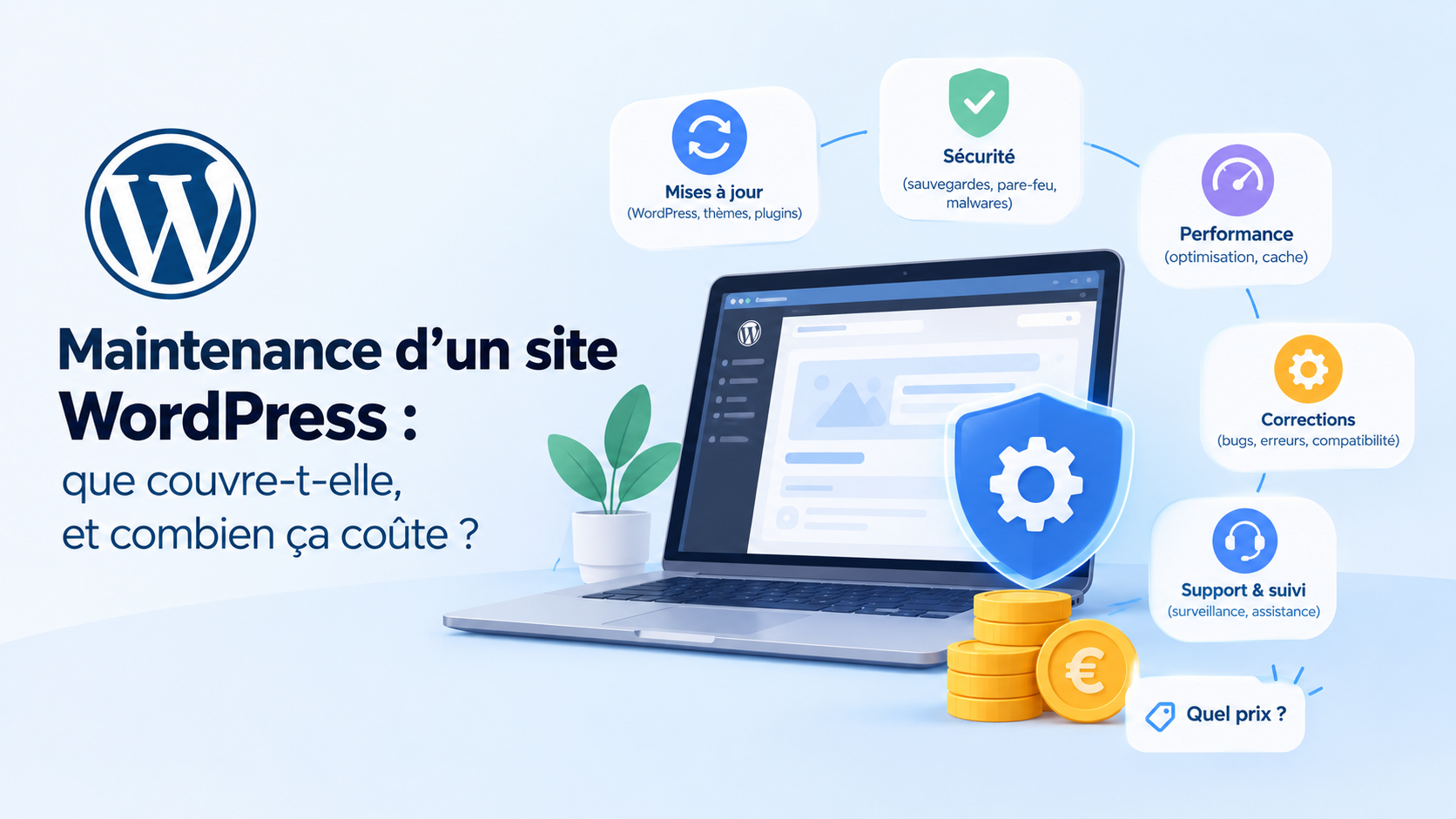
What proper maintenance covers
- Updates of WordPress, extensions and theme. Not by blindly clicking "update all": by checking that nothing breaks afterwards.
- Backups, Automatic backups, stored somewhere other than the website's server, and above all, tested. A backup that has never been restored is a gamble.
- Security : monitoring for known vulnerabilities, firewalls, passwords and administrator accounts up to date.
- Surveillance : be alerted if the site goes down, if the security certificate expires, if the contact form stops sending anything.
- The performance : a website that slows down loses visitors and rankings on Google.
- The household : unnecessary extensions, forgotten accounts, old tracking codes lying around.
- A little time for small modifications : change a schedule, add a page, correct a text.
What happens when you do without it
The most well-known scenario is hacking. And this isn't science fiction: according to Patchstack, a WordPress security specialist, 11,334 new vulnerabilities were discovered in the WordPress ecosystem in 2025, up 42 % year over year, and 91 % of them concerned extensions, not WordPress itself.
I also see the other side of the coin: as an author of plugins published on the official WordPress plugin directory, I know that a reported vulnerability is generally patched quickly. However, this assumes the update is actually installed. A site that is never updated remains exposed to vulnerabilities that were fixed months ago, and these are the ones that hackers' bots target first.
But hacking isn't the only risk, and not necessarily the most frequent. Silent failures are more insidious:
- the contact form that hasn't sent anything for three weeks, and nobody seems to notice;
- an automatic update that breaks the layout of a key page;
- online payment that no longer works on a store;
- an extension abandoned by its author, which will never be corrected again;
- a site that slowly slows down, month after month, until it drops out of Google.
While auditing my own site, I actually found an old tracking code that had been forgotten for years in a plugin setting, and a broken link to a client's site. Nothing serious, but it's exactly the kind of detail that accumulates when no one is paying attention.
How much does WordPress maintenance cost?
Prices vary considerably depending on what's included. Here are the price ranges I've observed on the market for a showcase website:
| Formula | Indicative price | What we obtain |
|---|---|---|
| Do it yourself | Your time, one to two hours per month | What you put in there, with the risk of not knowing how to fix it |
| Basic package | €20 to €50 excluding VAT / month | Automated updates and backups, rarely more |
| Independent, full package | €50 to €150 excluding VAT / month | Updates tested, backups, security, monitoring, a little time for modifications |
| Agency | €100 to €300 excluding VAT per month and more | Same scope, often with intervention times guaranteed by contract. |
For an online store, plan for more: there are more extensions, payments, orders, and a breakdown directly costs revenue.
If you'd rather not have to worry about it, I'll take care of it: hosting, updates, backups, monitoring, and a little time each month for your changes or questions, with no commitment. The included hosting means you don't have to deal with two people if something goes wrong. Everything is detailed on my Services page.
Fan of the WordPress ecosystem? Discover the best of my articles on WordPress as well as my WordPress extensions to make your site shine!
If you do it yourself: the monthly routine
It's perfectly possible if you're comfortable with it. Here's the minimum routine, once a month:
- Verify that a recent backup exists, and that it is stored off the server.
- Update the extensions, theme and WordPress, then browse the main pages of the site.
- Send a test message from the contact form, and place a test order if you sell online.
- Open the WordPress "Site Health" tool (in Tools) and read the alerts.
- Remove disabled extensions and administrator accounts that are no longer in use.
The right questions to ask before signing a contract
- Are the updates verified? after installation, or simply launched?
- Where are the backups stored?, How long are they preserved, and has restoration been tested before?
- What happens in case of hacking? Is cleaning included, and within what timeframe?
- How long will the modifications take? is included each month, and what is the cost of an additional hour?
- Is there a commitment?, And can you leave with your access, your domain name and your website at any time?
If the service provider hesitates over one of these answers, that's a red flag. Maintenance should be offered, not imposed, and always cancellable. I also discuss this in my article on the price of a WordPress showcase website.
In short, maintenance is like car servicing: you can do without it for a while, you always pay for it one day, and it's always more expensive when you wait for it to break down.
Frequently Asked Questions
My hosting provider already makes backups, is that sufficient?
It's a good start, but not maintenance. Hosting providers' backups are often stored in the same location as the website and are kept for only a short time. And they don't update anything, monitor anything, or fix anything.
Are automatic updates enough?
They address part of the problem, especially for security patches. But no one checks that the site still works afterward. On a site that brings you customers or sales, human verification remains essential.
What should I do if my website is hacked?
Don't delete anything hastily. Change your passwords (administration, hosting, database), notify your hosting provider, and hire a professional to clean the site and restore a clean backup. Only then should you investigate how the hackers gained access and plug the hole.
Is maintenance mandatory after a website is created?
No, and be wary of any service provider who insists on it. But if you don't entrust it to anyone, you have to do it yourself. A neglected WordPress site will always end up causing problems.

Leave a Reply